Puddled Brushes for Illustrator
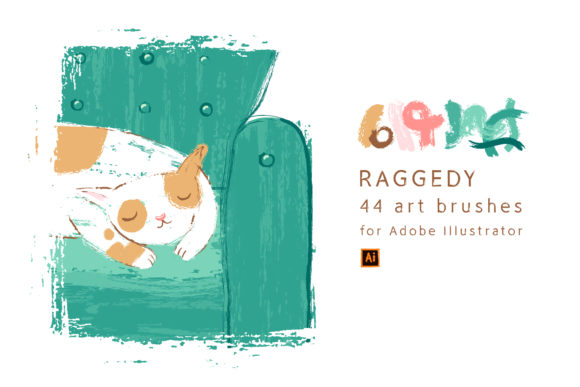
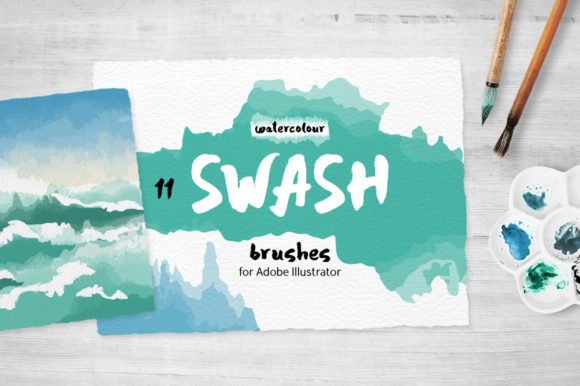
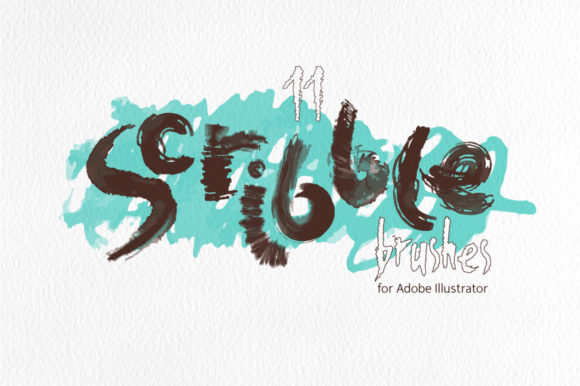
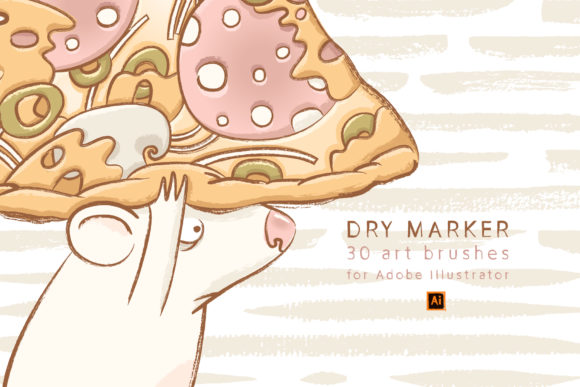
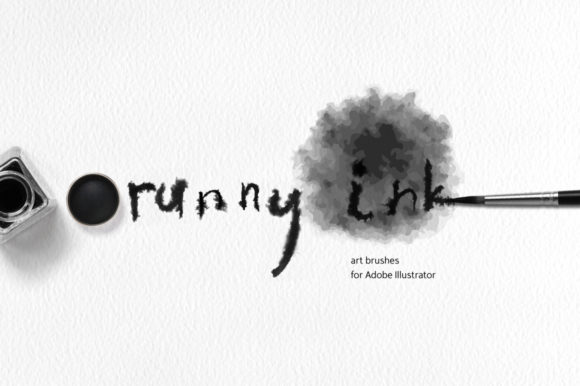
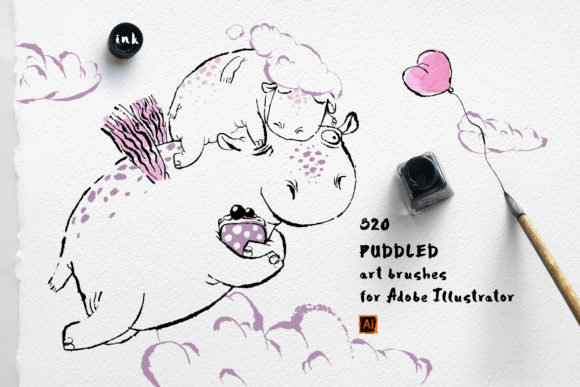
Puddled Brushes for Illustrator is a comprehensive collection of 320 hand-painted ink stroke art brushes designed specifically for Adobe Illustrator. This bundle includes five distinct brush sets, each with its own unique character while maintaining a cohesive style. These brushes are ideal for a wide range of creative applications, from author graphics and illustrations to web banners, backgrounds, and abstract art pieces.
Understanding Puddled Brushes for Illustrator
Puddled Brushes for Illustrator is more than just a set of digital tools; it's a resource that enhances the creative process by offering realistic, naturally detailed strokes. Each brush in the collection is based on real hand-painted ink strokes, ensuring a level of authenticity that can elevate any design project. Whether you're working on a coloring book, a marketing campaign, or an artistic piece, these brushes provide a versatile and professional touch.
The bundle is structured into five brush sets, each slightly different but designed to complement one another. This makes it easy to mix and match styles while maintaining visual consistency across your work. The brushes are ready to use and can be easily edited, allowing for flexibility in your workflow.
Integration into Creative Workflows
Integrating Puddled Brushes for Illustrator into your creative workflow can streamline the design process and add a layer of depth to your projects. Before starting a project, you can use these brushes to sketch out ideas or create preliminary designs. During the project, they can be used to add texture, detail, and a handcrafted feel to your illustrations. After completing a project, they can help refine and enhance the final output.
For example, if you're creating a series of web banners, you can use the brushes to add intricate details that make each banner stand out. If you're designing a children's coloring book, the brushes can be used to create engaging and visually appealing illustrations that capture the attention of young readers.
Compatibility and Usability
Puddled Brushes for Illustrator is compatible with Adobe Illustrator 10 and higher, making it accessible to a wide range of users. The bundle includes multiple file formats to suit different needs, including vector AI CS5 files, EPS10 files, SVG files, and high-resolution JPG and PNG images. This ensures that you can use the brushes in various contexts, whether you're working on a digital project or preparing assets for print.
The brushes are organized into five sets, each containing 64 individual brushes. This structure allows for easy navigation and selection, helping you find the right brush for each task. Additionally, the SVG files include separate brush strokes, giving you the ability to customize and manipulate individual elements as needed.
Practical Implementation Tips
To get the most out of Puddled Brushes for Illustrator, consider the following tips:
- Organize your workspace: Create dedicated folders for each brush set to keep your workspace tidy and efficient.
- Experiment with styles: Mix and match brushes from different sets to achieve unique effects and textures.
- Use clipping paths: The high-resolution JPG files with clipping paths can be used to isolate specific elements and integrate them seamlessly into other designs.
- Customize as needed: Edit the brushes to fit your specific project requirements, adjusting size, color, and other properties as necessary.
Workflow Examples
Here are a few examples of how Puddled Brushes for Illustrator can be used in different workflows:
- Illustration Projects: Use the brushes to add texture and detail to characters, backgrounds, and other elements in your illustrations. This can help bring your artwork to life and add a sense of realism.
- Web Design: Incorporate the brushes into your web banners and UI elements to create visually appealing and engaging designs. The high-resolution PNG files can be used to add intricate details without compromising quality.
- Print Design: Utilize the EPS and SVG files to prepare assets for print. The vector format ensures scalability and clarity, making it ideal for business cards, posters, and other printed materials.
- Personal Art Projects: Experiment with the brushes to create abstract art pieces or personal illustrations. The natural look of the ink strokes can add a unique and artistic touch to your work.
Quality Control and Long-Term Use
When using Puddled Brushes for Illustrator, it's important to maintain quality control throughout your projects. Ensure that the brushes are applied consistently and that the final output meets your standards. Regularly review your work to identify any areas that may need refinement or adjustment.
For long-term use, consider backing up your files and keeping track of any customizations you make to the brushes. This will help you maintain a consistent workflow and ensure that your designs remain high quality over time.
Conclusion
Puddled Brushes for Illustrator is a valuable addition to any designer's toolkit. With its realistic ink strokes, versatile brush sets, and compatibility with Adobe Illustrator, it offers a powerful way to enhance your creative projects. By integrating these brushes into your workflow, you can add depth, texture, and a handcrafted feel to your designs, making them stand out in a competitive market.